Introduction
Imagine being able to take control of your finances, track your expenses, and plan for your future—all without stress or confusion. That’s the power of spreadsheets when used correctly, and it’s exactly what Excel Life Skills Training is designed to unlock. Yet for many people, Excel or Google Sheets still feel intimidating—packed with formulas, tables, and functions that seem like a foreign language.

Enter the Tech Tutor for Life Skills—a modern solution bridging the gap between everyday life challenges and practical digital tools. By teaching people how to use spreadsheets for personal finance, budgeting, and goal tracking, a tech tutor can transform chaotic numbers into organized, actionable insights, empowering learners to make smarter financial decisions.
In this article, we’ll explore who can benefit, how to teach these skills effectively, the best spreadsheet tools, and how this tutoring service can become a profitable business.
Why Spreadsheets Are a Life Skill, Not Just a Work Tool
Spreadsheets Extend Beyond the Office
Most people associate Excel or Google Sheets with work reports, accounting, or data analysis. But in reality, spreadsheets can:
- Track personal expenses and income
- Plan monthly budgets
- Monitor savings goals
- Compare loan options or investment strategies
- Organize daily routines and time management
By teaching life skills through spreadsheets, a tech tutor empowers learners to see their financial and personal data clearly, making complex information easier to understand and act upon.
Who Can Benefit
- Young adults starting their financial journey
- Freelancers and gig workers managing irregular income
- Parents and households tracking monthly expenses
- Students learning budgeting and saving early
- Professionals looking to upskill for personal or career growth
Even someone who has never opened Excel before can become confident with guided instruction, provided the lessons focus on real-life applications, not abstract formulas.
The Role of a Tech Tutor in Life Skills Education
Beyond Traditional Tutoring
A tech tutor for life skills does more than teach software—they teach practical problem-solving. Think of them as a translator between digital tools and everyday life challenges.
For example:
- Turning a messy collection of receipts into a budget spreadsheet
- Using formulas to calculate monthly savings automatically
- Creating graphs to visualize spending trends over time
This isn’t just learning Excel—it’s learning how to make data actionable.
Skills Needed for a Tech Tutor
- Strong spreadsheet knowledge (Excel, Google Sheets)
- Patience and clear communication
- Ability to translate complex formulas into simple steps
- Creativity in designing examples relevant to learners’ lives
- Understanding of basic financial concepts
A successful tutor doesn’t just teach functions—they show learners why those functions matter in everyday life.
Core Life Skills You Can Teach Using Spreadsheets
Personal Finance and Budgeting

- Income tracking
- Expense categorization
- Monthly and yearly budget planning
- Savings goals and progress tracking
Spreadsheets allow learners to see the ripple effect of their financial decisions, making abstract goals tangible.
Debt Management and Loan Planning
- Calculating monthly loan repayments
- Comparing interest rates
- Creating payoff schedules
- Forecasting debt-free dates
Planning and Goal Tracking
- Daily schedules
- Fitness routines
- Study or work project progress
- Event or vacation planning
Spreadsheets turn planning into a visual, interactive tool, helping people stay organized and accountable.
The Best Spreadsheet Tools for Life Skills Learning
Microsoft Excel
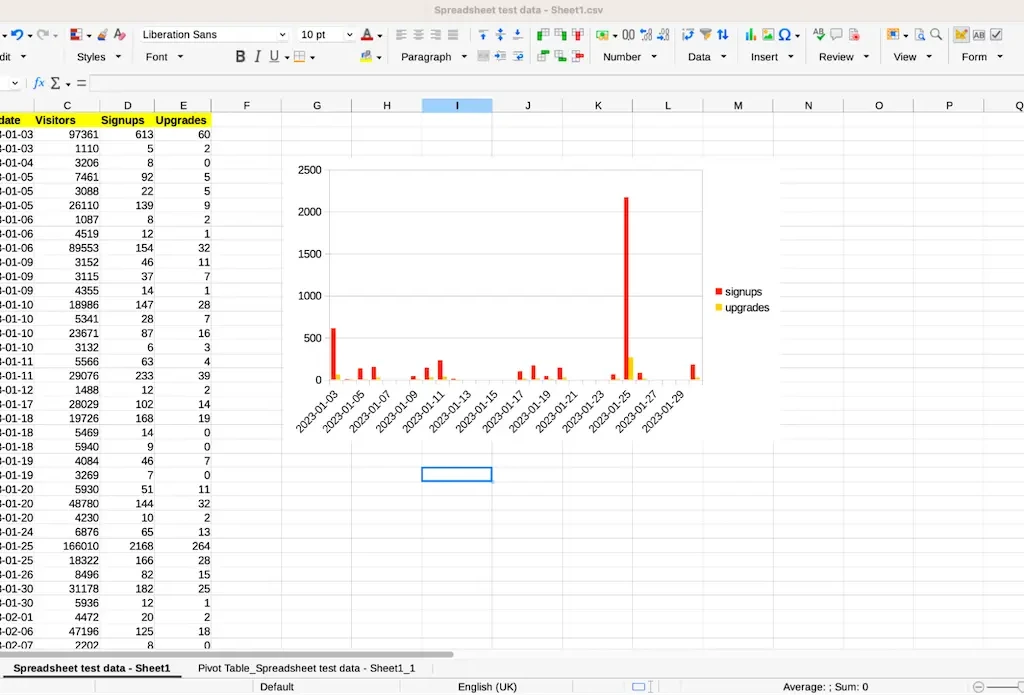
- Robust functionality and formulas
- Conditional formatting to highlight trends
- Charts and graphs for visual reporting
- Pivot tables for deeper analysis
Google Sheets
- Free and cloud-based, accessible anywhere
- Easy collaboration for family or team budgets
- Built-in templates for finance, goal tracking, and schedules
- Supports add-ons for enhanced automation
Choosing the right tool depends on your audience and their level of comfort. Beginners often prefer Google Sheets for its simplicity and accessibility, while Excel is better for more advanced learners.
Common Challenges Learners Face With Spreadsheets
Overwhelm With Formulas
Many beginners freeze at the sight of functions like VLOOKUP or SUMIF. A tech tutor can simplify this by:
- Breaking formulas into small, understandable steps
- Using real-life examples instead of abstract numbers
- Encouraging experimentation in a safe learning environment
Lack of Confidence
Some learners doubt their ability to master spreadsheets. Tutors can build confidence by:
- Starting with basic tasks like adding and formatting cells
- Gradually introducing calculations and charts
- Celebrating small wins to encourage progress
Effective Teaching Strategies for Tech Tutors
Start With Practical Examples
Teach budgeting by using learners’ actual income and expenses. Real-life context makes the lessons meaningful and memorable.
Encourage Hands-On Practice
- Assign small exercises after each lesson
- Use sample data to simulate real-life scenarios
- Encourage learners to customize templates for personal needs
Visual Learning Tools
- Use charts to show spending patterns
- Conditional formatting to highlight overspending
- Color-coding for categories and priorities
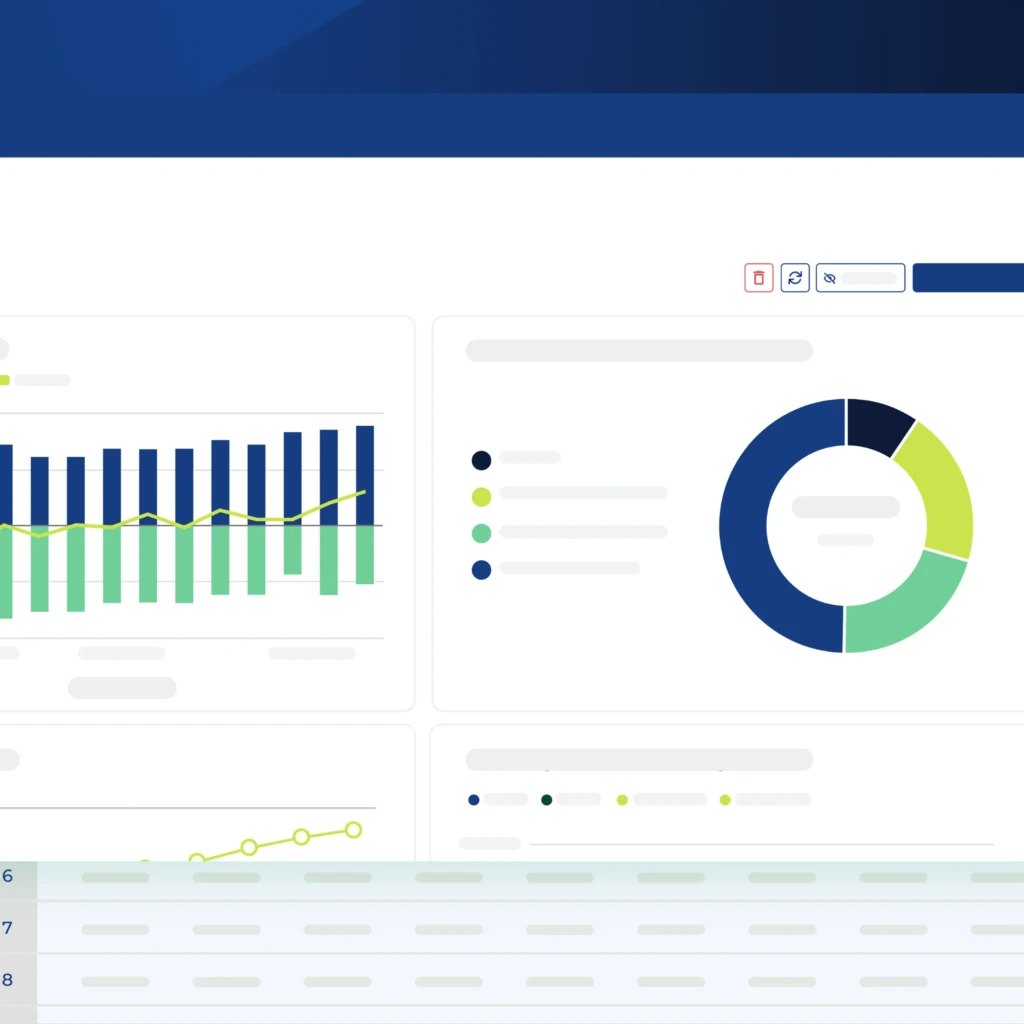
The goal is to make spreadsheets intuitive and actionable, not intimidating.
Teaching Personal Finance: Step-by-Step With Spreadsheets
Step 1: Income and Expense Tracking
- Create a sheet with income sources and expense categories
- Use SUM functions to calculate totals
- Track monthly trends with charts
Step 2: Budget Creation
- Set spending limits per category
- Highlight overages with conditional formatting
- Update dynamically as expenses occur
Step 3: Savings and Goals
- Allocate portions of income to savings
- Track goal progress with progress bars or graphs
- Forecast long-term savings using formulas
Step 4: Debt and Loan Management
- Enter loan amounts, interest rates, and terms
- Calculate monthly repayments automatically
- Visualize debt reduction over time
By following these steps, learners gain practical financial literacy while mastering spreadsheet skills.
Why Tech Tutoring in Spreadsheets Is a High-Value Skill
In my experience, people often underestimate how much control over finances and planning improves confidence and decision-making. Learning spreadsheets is like learning a superpower:
- It simplifies complexity, turning overwhelming data into actionable insights
- It builds independence, reducing reliance on financial advisors for small tasks
- It enhances employability, since spreadsheet proficiency is highly sought after
A tech tutor can transform abstract numbers into real-world problem-solving tools, making the skill both practical and empowering.
Building a Profitable Tech Tutoring Business
Market Potential
- Young professionals and students
- Freelancers managing irregular income
- Small business owners and side hustlers
- Families wanting better household budgeting
Delivery Models
- One-on-one tutoring (in-person or virtual)
- Group workshops or classes
- Online courses with video tutorials and practice sheets
- Corporate or educational partnerships
Pricing Strategies
- Hourly rates for personalized tutoring
- Subscription models for ongoing support
- Tiered courses for beginners, intermediate, and advanced learners
A tutor who combines spreadsheet skills with practical life applications can charge a premium because the value is measurable and directly impactful.
Writer’s Personal Insight Hook: Why This Niche Works
I’ve observed that even tech-savvy adults struggle with organizing finances. A spreadsheet can seem intimidating until someone demonstrates its real-life applications. Teaching spreadsheets as a life skill not only simplifies finances but also boosts confidence, independence, and problem-solving abilities.
Think of it like turning a blank grid into a financial map. Once learners see patterns in their spending and savings, they gain control and clarity, and they start making smarter decisions immediately.
Scaling Your Tech Tutor Service
- Offer specialized courses: budgeting, debt management, investment tracking
- Develop ready-to-use templates for sale or subscription
- Collaborate with schools, universities, or community centers
- Create membership programs for ongoing support and advanced lessons
By focusing on practical outcomes rather than software mastery alone, you create a tutoring business that is profitable, scalable, and high-impact.
Conclusion: Turning Spreadsheets Into Life-Changing Tools
Spreadsheets aren’t just for accountants—they’re a gateway to financial literacy, organization, and personal empowerment. Through Excel Life Skills Training, a tech tutor focused on life skills transforms an intimidating tool into a practical, empowering skill learners can use for the rest of their lives.
Whether it’s tracking income, managing expenses, or visualizing savings goals, spreadsheets turn abstract data into clarity. By teaching these skills, you’re not just tutoring software—you’re changing lives one spreadsheet at a time.
FAQs
FAQ 1: Who can benefit from learning life skills through spreadsheets?
Anyone looking to manage finances, track goals, or organize daily tasks, from students to professionals.
FAQ 2: Can anyone learn personal finance using spreadsheets with a tutor?
Yes. With practical examples, step-by-step guidance, and hands-on exercises, spreadsheets can simplify financial literacy for all levels.
FAQ 3: Which spreadsheet features are essential for life skills education?
In Excel Life Skills Training, core skills include SUM and IF functions, conditional formatting, charts, and essential formulas for budgeting, goal tracking, and financial visualization.
FAQ 4: How can a tech tutor teach spreadsheets effectively?
By combining real-life examples, hands-on practice, visual tools, and incremental learning to reduce overwhelm and build confidence.
FAQ 5: Can a tech tutoring service focused on spreadsheets become a profitable business?
Absolutely. With the right audience, delivery model, and focus on practical outcomes, Excel Life Skills Training can generate consistent revenue and scale over time.