Introduction
Imagine this: your neighbor needs a 3D printer for a weekend project, while you’ve been staring at that unused laser cutter in your garage for months. What if there was a system that allowed you both to share high-value tech tools without buying everything individually? That’s the promise of a Community Tool-sharing Program, a concept that’s quietly revolutionizing neighborhoods around the world.
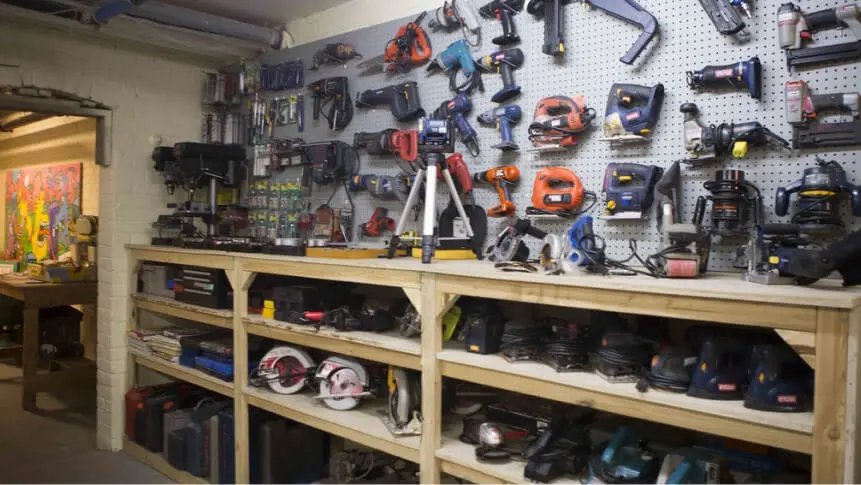
Building a neighborhood tool library isn’t just about saving money—it’s about fostering collaboration, sparking innovation, and creating a culture of resourcefulness. In this article, we’ll explore how to launch one, what tools to include, how to manage lending, and why these initiatives succeed—or fail.
Why Communities Need a Peer-to-Peer Tech Tool Library
At first glance, sharing tools may seem quaint, like borrowing a cup of sugar. But the impact is far deeper when it comes to high-value or specialized tech equipment:
- Cost Efficiency: Buying a 3D printer, drone, or CNC machine individually is expensive. Shared access reduces financial barriers.
- Encouraging Innovation: Residents get hands-on experience with tools they wouldn’t otherwise own.
- Reducing Waste: Fewer devices sitting idle reduces environmental impact.
- Strengthening Community Bonds: Sharing fosters trust, collaboration, and problem-solving among neighbors.
In my experience working with local communities, a small core group of early adopters can ignite widespread participation if the system is simple, fair, and transparent.
What is a Peer-to-Peer Tech Tool Library?
Simply put, a Community Tool-sharing Program is a community-driven system where residents lend and borrow technology resources—ranging from power tools to 3D printers, microcontrollers, drones, and specialized sensors.
Unlike a traditional library that lends books, a P2P tool library relies on active participation, clear guidelines, and an organized tracking system to ensure tools are returned in working order.
Who Can Benefit From a Neighborhood Tool Library?
While tech enthusiasts might immediately see the value, almost anyone in the community can benefit:
- Hobbyists exploring 3D printing or electronics
- Small business owners needing occasional access to specialized equipment
- Students learning STEM skills at home
- DIY enthusiasts and makers
- Community organizers running workshops or hackathons
The key is broad accessibility—tools should be available to anyone willing to participate responsibly.
What Tools Are Most Useful to Share?
Not all gadgets are equal in value or utility. When curating a library, prioritize tools that are expensive, high-demand, or underused. Examples include:
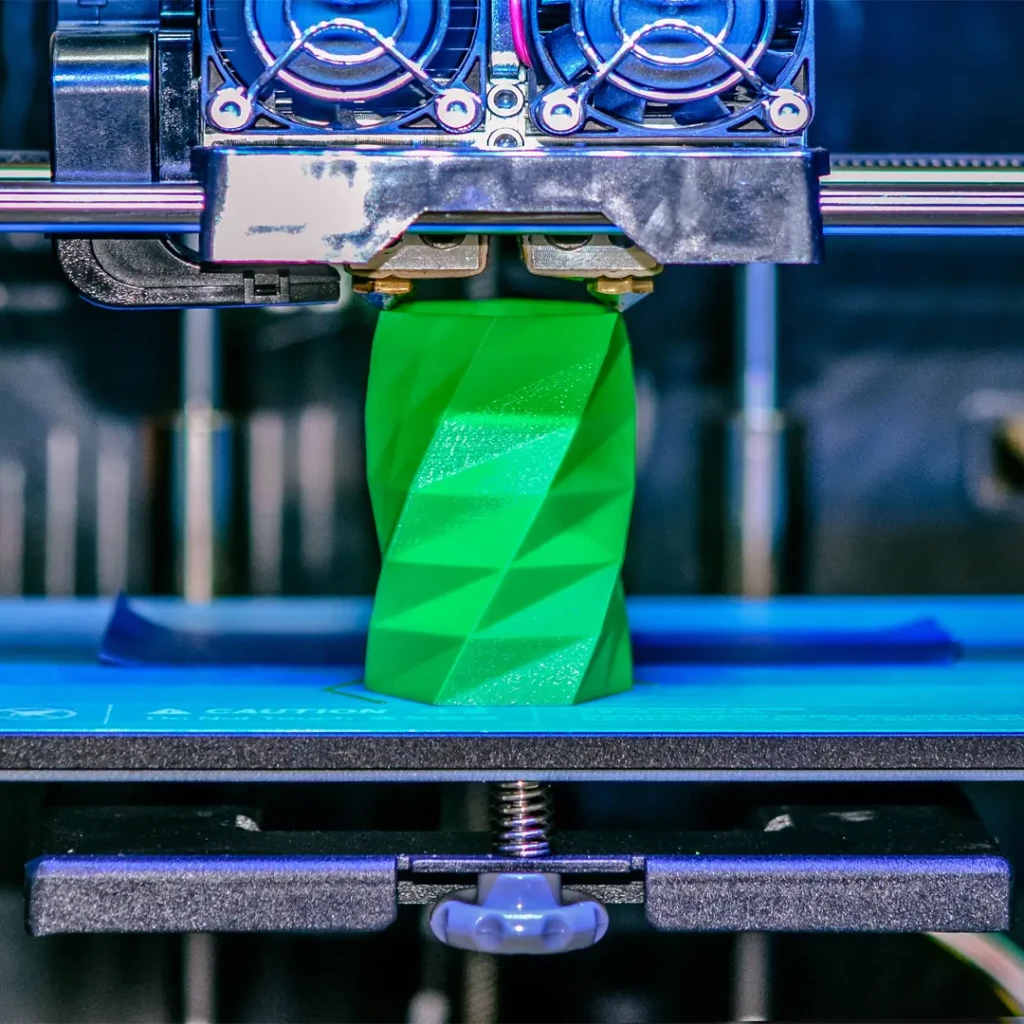
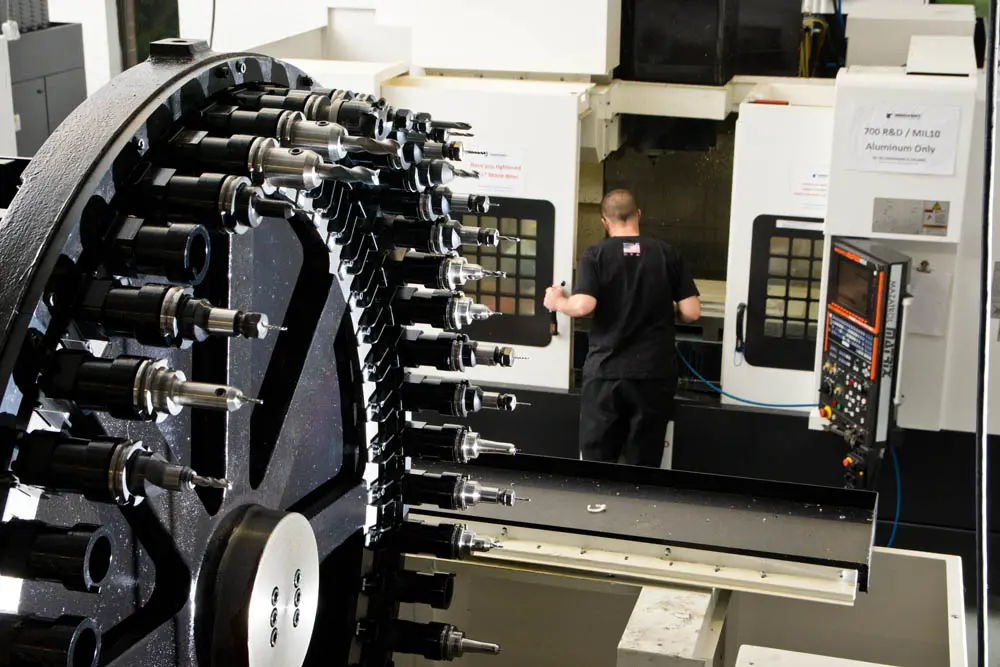
- 3D printers and CNC machines: Perfect for prototyping projects.
- Power tools: Drills, saws, sanders, and laser cutters.
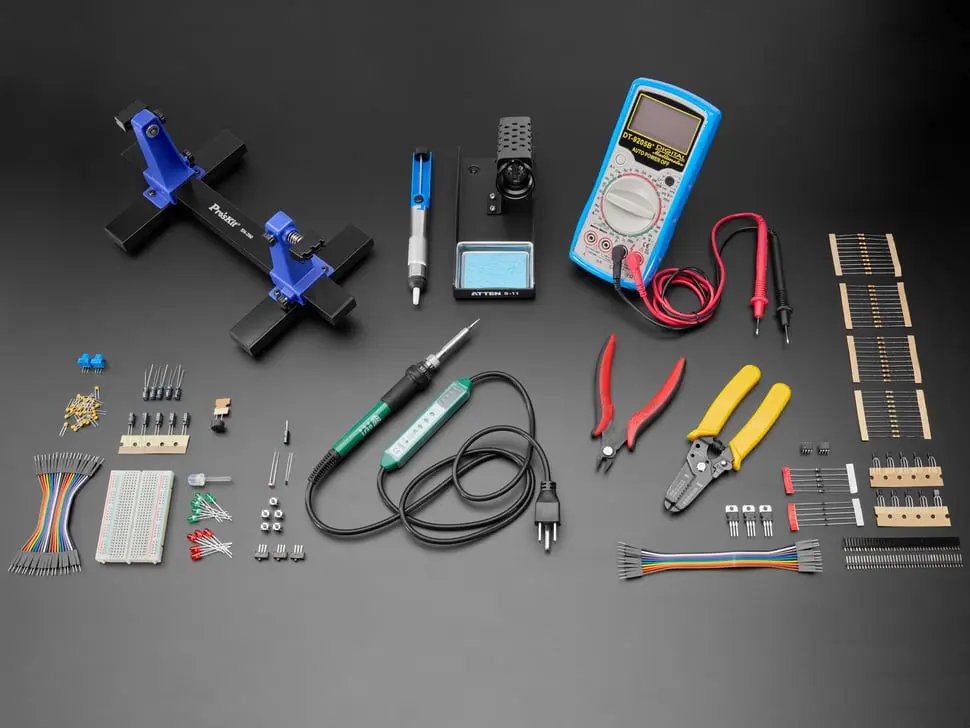
- Electronics kits: Microcontrollers, sensors, and robotics kits for learners.
- Photography and media gear: Cameras, drones, and audio equipment.
- Specialized software or devices: VR headsets, high-end tablets, or scanners.
Pro tip: start small and expand inventory based on community demand.
Where and How to Set Up a Community Tool Library
Location is key. You want a central, accessible, and secure space:
- Community Centers or Shared Spaces: Ideal for larger tools that require supervision.
- Private Homes or Garages: Works well for smaller-scale initiatives.
- Schools or Maker Spaces: Combine education with access to tools.
When choosing a location, consider security, ventilation, power supply, and liability. You can even rotate hosting responsibilities among committed volunteers.
How Lending and Borrowing Works
Effective lending requires clear processes and policies:
- Sign-Up & Membership: Collect basic info and ensure members understand library rules.
- Tracking System: Use digital tools like spreadsheets, Airtable, or dedicated library software.
- Tool Condition & Maintenance: Inspect tools before lending and after return.
- Time Limits: Set borrowing periods to maximize availability.
- Deposits or Fees: Optional, but can help cover maintenance or replacements.
The goal is simplicity and trust. Complicated rules discourage participation, while clear guidelines encourage ongoing use.
When is the Best Time to Borrow or Lend Tech Tools?
Timing matters, especially for shared high-demand items:
- Plan around project schedules: Borrowers should reserve tools in advance for planned work.
- Consider seasonality: Some tools (like outdoor electronics or gardening sensors) may be used more in certain months.
- Encourage rotation: Frequent borrowing and returning keeps the library dynamic and prevents stockpiling.
A shared calendar or booking app can streamline the process and reduce conflicts.
Common Challenges and How to Overcome Them
Despite the benefits, community tool libraries face hurdles:
- Damage or Loss: Mitigate risk with checklists, deposits, and member agreements.
- Low Participation: Start with a small core of engaged members and grow via word-of-mouth.
- Maintenance Needs: Schedule routine checks and recruit volunteers for upkeep.
- Liability Concerns: Include disclaimers and basic safety instructions for each tool.
Communities that address these proactively see higher participation and longer-term sustainability.
Resources and Guidance for Communities
There’s no need to reinvent the wheel. Several resources can help:
- Neighbor-led platforms: Tools like NeighborGoods or Local Tools provide templates and organizational tips.
- Maker Spaces & Fab Labs: Partnering with these hubs can provide expertise, training, and additional tools.
- Community Foundations: Local NGOs or foundations may offer grants or shared spaces.
Having a roadmap, a support network, and mentors from other communities increases the likelihood of success.
Launching Your Tech Tool Library: Step-by-Step
- Survey Community Interest: Determine which tools residents want most.
- Recruit Volunteers: Form a core team to manage logistics and policies.
- Secure Location: Choose a space that is convenient and safe.
- Curate Tools: Start with high-demand items and expand gradually.
- Set Rules & Tracking: Use a simple booking system and clear usage guidelines.
- Launch & Promote: Host a kickoff event, demos, or workshops.
- Collect Feedback: Continuously improve based on community experiences.
This iterative approach ensures momentum, engagement, and long-term sustainability.
Personal Insight: Why Peer-to-Peer Sharing Builds Stronger Communities
In my experience, communities that embrace a Community Tool-sharing Program aren’t just sharing equipment—they’re sharing knowledge, skills, and trust. I’ve observed that early adopters often mentor newcomers, turning a simple lending system into a mini innovation hub.
It’s like planting a neighborhood “tech garden”: one person contributes a 3D printer, another offers coding guidance, and suddenly the whole community blossoms with creativity, skill-building, and problem-solving.
The Long-Term Benefits
Beyond immediate access to tools, peer-to-peer tech libraries:
- Promote STEM learning in local schools.
- Encourage entrepreneurship, by lowering startup costs for prototypes.
- Reduce consumerism by sharing resources efficiently.
- Build resilient communities prepared to tackle challenges together.
Communities that adopt this mindset see economic, educational, and social returns.
Conclusion: Start Sharing, Start Growing
Creating a peer-to-peer tech tool library is more than just a convenience—it’s an investment in community capability, innovation, and sustainability. By pooling resources, residents gain access to otherwise expensive or specialized tools, learn from each other, and foster a culture of collaboration.
The takeaway? Start small, focus on high-demand tools, maintain transparency and trust, and watch your neighborhood transform into a hub of creativity and shared success.
FAQs
FAQ 1: What is a peer-to-peer tech tool library?
It’s a community-driven system where residents lend and borrow high-value tech tools like 3D printers, drones, and power tools.
FAQ 2: Who manages a community tool library?
Typically, a small core team or volunteers handle organization, maintenance, and tracking, ensuring smooth operations.
FAQ 3: What tools are best to share in a community library?
For a successful Community Tool-sharing Program, prioritize high-cost, high-demand, or specialized tools: 3D printers, CNC machines, electronics kits, drones, and photography equipment.

FAQ 4: How do borrowing and lending processes work?
Use a sign-up system, clear policies, time limits, tool condition checks, and optionally deposits or small fees.
FAQ 5: Why do some community sharing initiatives fail?
Failure often comes from unclear rules, low participation, lack of maintenance, or insufficient community engagement.